
Barcode Pick, Pack and Dispatch System
A warehouse execution application that guides pickers on handheld Zebra scanners, verifies every item at packing stations and prints labels and manifests for dispatch.
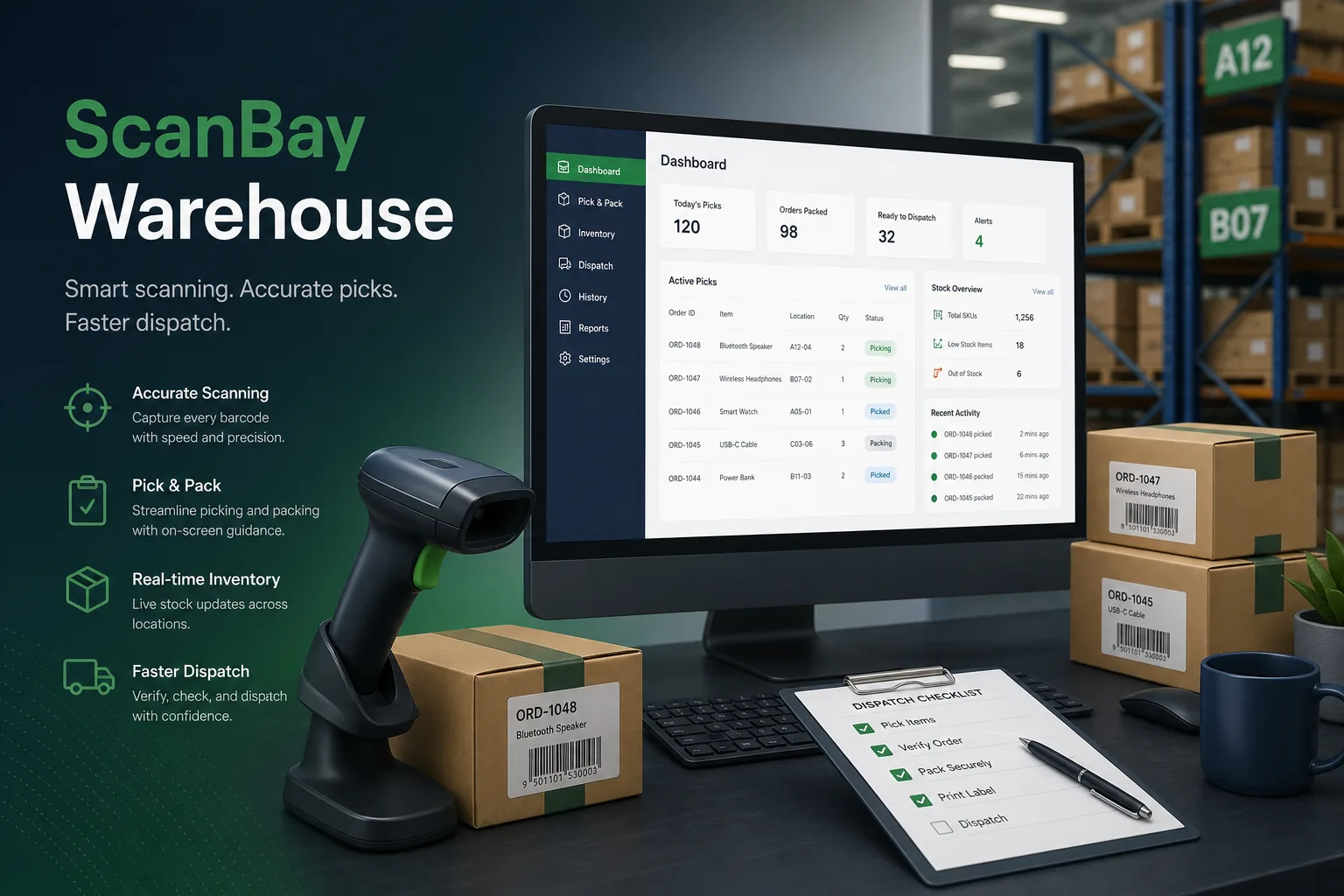
Project overview
We built a barcode-driven pick, pack and dispatch system for a fulfilment provider handling orders for several eCommerce and wholesale clients from one warehouse. Pickers work from rugged handheld scanners, packers from Windows stations with scales and label printers, and supervisors from a console that shows every wave, tote and shipment in progress.
The engagement covered process mapping on the warehouse floor, the .NET applications, Zebra device and printer integration, and the interface to the client's order and carrier systems. It forms part of our logistics software development work for the logistics and supply chain sector.
The client and the challenge
The warehouse picked from printed lists. Pickers walked inefficient routes, mis-picks were only found at the customer, and there was no record of who picked or packed an order. Labels were produced by copying addresses between systems, which caused wrong-address shipments during peak periods.
The client needed scan-confirmed picking and packing, printed labels generated straight from order data, and live visibility of work in progress, while coping with patchy Wi-Fi in the racking aisles and supporting seasonal staff with minimal training.
Solution architecture & delivery
Orders arrive from the client's order management system and are grouped into pick waves by carrier cut-off and zone. The wave planner sorts pick lines by bin location so the scanner leads each picker along an efficient path through the aisles. Pickers scan the bin, then the item, then the tote; a wrong item or bin triggers an immediate vibration and on-screen error, so mistakes are caught on the spot.
The handheld app is built in .NET using the Zebra SDK for the scan engine, so barcode reads arrive as events rather than keyboard input, and scanner profiles are set by the app itself. Because signal drops between racks, every scan is stored locally on the device with a sequence number and sent to the server when connectivity returns. The server applies scans in order and rejects conflicting ones, such as the same unit being picked into two totes, and flags them for a supervisor.
At packing, the station scans the tote, lists the expected items and requires each one to be scanned into the carton. The station reads carton weight from the scale, compares it with the expected weight and blocks the pack if it falls outside tolerance. Once verified, it prints the shipping label and packing slip on Zebra label printers from templates filled with order and carrier data, removing manual address entry.
Dispatch scanning assigns cartons to carrier trailers and produces the manifest for each collection. The supervisor console shows waves, exceptions and staff activity, and lets leads reassign work or release urgent orders. Deployment and testing followed our CI/CD and testing pipeline, with device builds pushed to scanners through a managed update channel.
Key features we built
- Pick waves grouped by carrier cut-off and zone, sorted by bin location
- Scan-confirmed picking of bin, item and tote with instant error feedback
- Store-and-forward scanning that tolerates weak warehouse Wi-Fi
- Pack verification by item scan and carton weight check
- Shipping labels and packing slips printed straight from order data
- Dispatch scanning to trailers with carrier manifests
- Supervisor console for waves, exceptions and work reassignment
- Role-based sign-in and an audit trail of every scan by user and device
How we delivered it
- Discovery. We walked the pick routes, timed packing stations and mapped how orders, labels and manifests moved between systems during a normal day and a peak day.
- Device and UX trials. Screen layouts and scan feedback were tested on real handhelds with gloved pickers, keeping each step to a single scan and a clear confirmation.
- Build. Two-week sprints delivered the wave planner, handheld app, packing station and label templates, with a warehouse replica bay used for integration testing.
- Pilot and roll-out. One client's orders went live first in a single zone, letting us tune tolerances, routes and offline sync before the rest of the warehouse switched.
- Support. Ongoing support covers new carrier label formats, client onboarding and device firmware changes.
Technology choices
- .NET — one language across the server, packing-station app and handheld client, with strong tooling for Windows-based warehouse devices.
- Zebra SDK — native access to the scan engine, device profiles and label printers, giving reliable barcode events instead of keyboard wedge input.
Outcomes
- Wrong items and wrong bins are caught during picking rather than by the end customer
- Every order has a record of who picked, packed and dispatched it and on which device
- Labels print directly from order data, ending manual address copying
- Seasonal staff become productive quickly because the scanner guides each step
- Supervisors see live waves and exceptions instead of chasing paper lists
- Scanning continues through Wi-Fi dead spots and syncs automatically
FAQ
How does the scanner app cope with poor Wi-Fi in the warehouse?
Every scan is saved on the device with a sequence number and forwarded when the connection returns. The server applies scans in order and flags conflicts for a supervisor, so pickers never have to stop and wait for signal.
Why use the Zebra SDK instead of keyboard wedge scanning?
The SDK delivers scans as structured events with symbology data, lets the app control scanner settings and feedback, and prints to Zebra label printers directly. Keyboard wedge input is simpler but easier to break when focus moves. Our .NET software development team uses the SDK for this reason.
Can this connect to an existing inventory or order system?
Yes. Orders are imported from the client's order management system and stock movements are posted back. Our desktop inventory management case study and freight marketplace case study show related parts of the supply chain.
How much does a warehouse scanning system cost and how long does it take?
It depends on the number of sites, devices, carriers and system integrations. Use our app development cost calculator for an indicative range, and we can then plan a phased roll-out.
Barcode Pick, Pack and Dispatch System screens
Build your next logistics & mobility product with Next Olive
Share your requirements — we will propose scope, timeline and stack within one business day.